Once a video has finished processing, you can embed it on any page using the Bunny Stream player. This page covers the iframe URL pattern, sizing tips, and code samples for common frameworks.

How to embed a video?

Embedding a video involves placing an <iframe> element on your webpage. By referencing the correct Bunny Stream embed url and including your video library and video IDs, you can display your video anywhere you like. Each embedded video is accessed via the following URL pattern:
Bunny Stream’s embed player will automatically adjust to fill the full width and height of the <iframe>. For best results, we recommend using a responsive layout. If a fixed aspect ratio is required, a common approach is to use a container with a position:absolute;top:0;width:100%;height:100%; style, maintaining a standard 16:9 format or your desired ratio. Example code:
The embed code for a particular video can be generated on the video details page in the dashboard.

Parameters

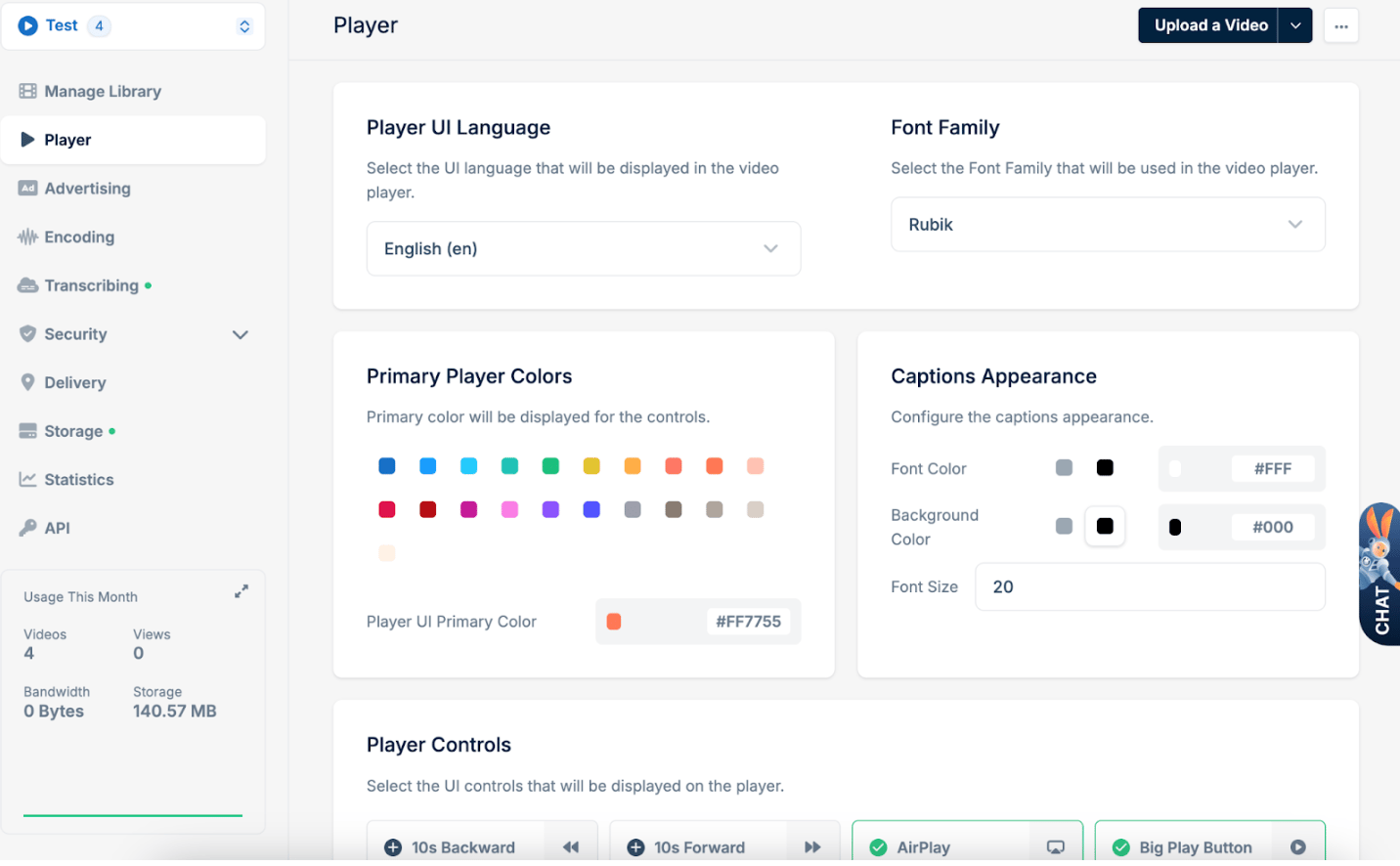
By default, many of the player’s controls and behaviors, such as captions, autoplay, and preload, can be configured on a global scale within the Player tab of your Bunny Stream library settings. Adjusting these default configurations ensures that any video embedded from that library inherits the same baseline behavior, providing a consistent user experience across all embedded instances. However, you can also fine-tune or override these defaults on a per-embed basis by adding query parameters directly to the embed or direct play URL. This flexibility allows you to tailor the playback experience for specific pages or use-cases without affecting the global settings of your library.
Supported Parameters

Below is a concise table summarizing each parameter, its possible values, a brief description, and the default value.

Direct play URL query parameter example

This example uses a query parameter which means the direct play URL will start video playback at 30 seconds.

Player keyboard shortcuts

Bunny Stream player has support for the following keyboard shortcuts.

Custom integration

If you prefer to use your own player or a fully custom video integration, you can directly access the raw video files from Bunny Stream’s infrastructure. Please refer to our Video Storage Structure documentation for details on how to retrieve and utilize video files directly.
Last modified on July 10, 2026